> For the complete documentation index, see [llms.txt](https://ggxyz.gitbook.io/gg.xyz-alpha-trading-docs/llms.txt). Markdown versions of documentation pages are available by appending `.md` to page URLs; this page is available as [Markdown](https://ggxyz.gitbook.io/gg.xyz-alpha-trading-docs/e.-telegram-bot/setup.md).
# Setup
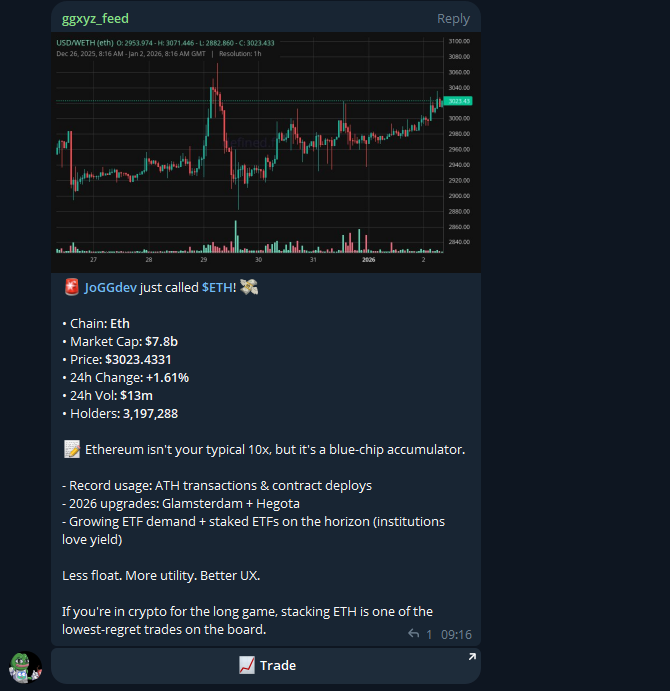
Get real-time alerts for new alpha calls and manage your gg.xyz activity without leaving Telegram.
## Setting Up the Bot
### Step 1: Click the Telegram Button on gg.xyz
You'll find the link to the bot on the:
* Nav Bar Telegram Icon on Desktop
* Wallet Management Tab 'Join Our Bot' on Mobile
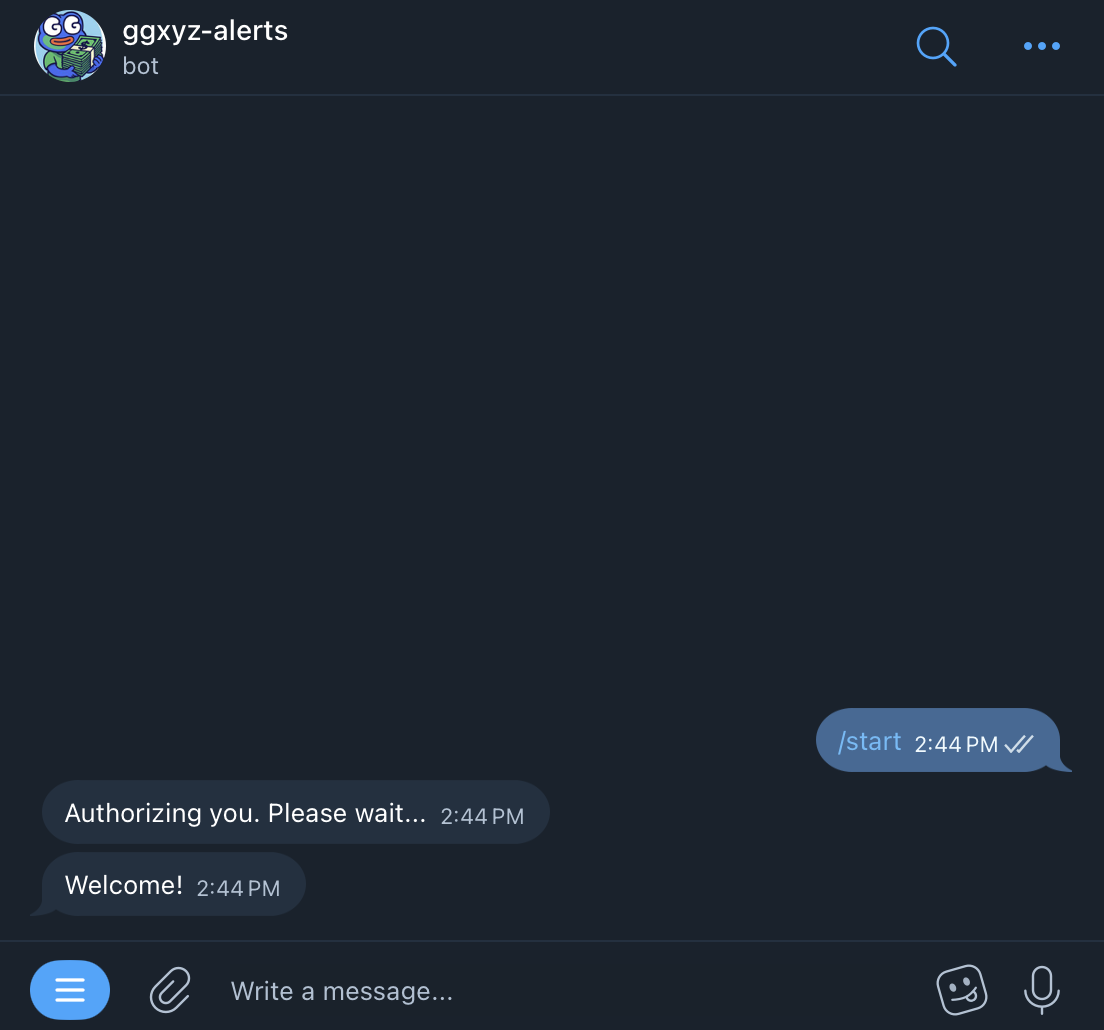
### Step 2: Start the Bot
When you open the Bot for the first time through gg.xyz it will link your Telegram Accounts to your gg account.
### Step 3: You're Set!
You will now receive alerts for new calls from alpha hunters you follow on gg.xyz